
Power BI – Advanced Data Analysis & Reporting هي دورة في advanced Data Analysis تُقدَّم حضوريًا وعبر الإنترنت من قبل أكاديمية صبيح للبرمجيات في عمّان، الأردن.
18
آخر تحديث ٢٠ أيلول ٢٠٢٦
Duration: 6 Hours
1. Power Query Fundamentals Review
Connecting to Data Sources
Understanding Data Types
Basic Data Cleaning
Power Query Editor Overview
Query Steps and Applied Steps
2. Intermediate Data Transformation
Filtering Data
Conditional Columns
Working with Text
Working with Dates
Handling Null Values
Handling Errors
Grouping and Aggregation
3. Combining and Consolidating Data
Merge Queries
Append Queries
Understanding Merge Join Types
Importing Data from Multiple Files
Combining Files from a Folder
Practical Data Transformation Exercise
4. Advanced Power Query
Parameters
Creating and Using Parameters
Introduction to M Language
Understanding M Expressions
Custom Transformations using M
Reusing and Modifying M Code
Duration: 6 Hours
1. Introduction to Data Modeling
What is Data Modeling?
Why Data Modeling Matters
Fact and Dimension Tables
Star Schema
Snowflake Schema
Designing an Effective Power BI Model
2. Understanding Tables
Fact Tables
Dimension Tables
Lookup Tables
Granularity
Keys and Unique Identifiers
3. Relationships
One-to-Many Relationships
One-to-One Relationships
Many-to-Many Relationships
Relationship Cardinality
Active and Inactive Relationships
Cross-Filtering
Single vs. Both Directions
Common Relationship Problems
4. Date Table
Why a Date Table is Important
Creating a Date Table
Date Hierarchies
Marking a Date Table
Using Date Tables in Time Intelligence
5. Introduction to DAX
What is DAX?
Measures vs. Calculated Columns
When to Use Measures
Creating Your First DAX Measures
Understanding Evaluation Context
6. DAX Basics
Aggregation Functions
DAX Operators
Variables
Conditional Logic
IF
SWITCH
Handling Errors
DIVIDE
7. DAX Aggregation Functions
SUM
AVERAGE
MIN / MAX
COUNT
COUNTA
DISTINCTCOUNT
COUNTROWS
Duration: 6 Hours
1. CALCULATE — The Heart of DAX
Understanding CALCULATE
Modifying Filter Context
CALCULATE with Multiple Filters
Using CALCULATE with Measures
Common CALCULATE Patterns
8. Filter Functions
FILTER
ALL
REMOVEFILTERS
ALLEXCEPT
VALUES
DISTINCT
9. Iterator Functions
Understanding X Functions
SUMX
AVERAGEX
MINX / MAXX
COUNTX
Iterator vs. Aggregation Functions
10. Advanced Ranking and Analysis
TOPN
Ranking Concepts
Dynamic Top N Analysis
What-If Parameters
Dynamic Analysis with Parameters
11. Advanced Visualization. Building Effective Reports
Choosing the Right Visual
KPI and Card Visuals
Tables and Matrices
Charts and Trends
Slicers and Filters
Drill-Down
Drill-Through
Tooltips
Bookmarks
Interactive Report Navigation
12. Report Design
Report Layout
Consistent Formatting
Conditional Formatting
Designing Executive Dashboards
Performance Considerations
13. Publishing and Power BI Service
Publishing from Power BI Desktop
Managing Published Reports
14. Data Refresh
Understanding Data Refresh
Scheduled Refresh
Refresh Considerations
15. Row-Level Security
Introduction to RLS
Static Row-Level Security
Dynamic Row-Level Security
USERNAME / USERPRINCIPALNAME
Testing Security Roles
Publishing and Managing RLS
The program focuses on four key areas:
Advanced Data Transformation: Prepare, clean, combine, and transform data using Power Query and M language.
Data Modeling: Build efficient Power BI data models using relationships, fact and dimension tables, star schemas, and date tables.
DAX & Data Analysis: Create powerful measures and calculations using DAX, including CALCULATE, filter functions, iterators, variables, and advanced analytical techniques.
Reporting & Power BI Service: Build interactive reports, publish them to Power BI Service, configure data refresh, and implement Row-Level Security.
The course follows a step-by-step, practical approach, combining instructor demonstrations with hands-on exercises. Participants will progressively build a complete Power BI solution, moving from raw data to a finished business intelligence report.
By the end of the training, participants will be able to apply advanced Power BI techniques to real-world business reporting and analytics scenarios.
Participants should have successfully completed Power BI Level 1 – Fundamentals or have equivalent practical experience with Power BI.
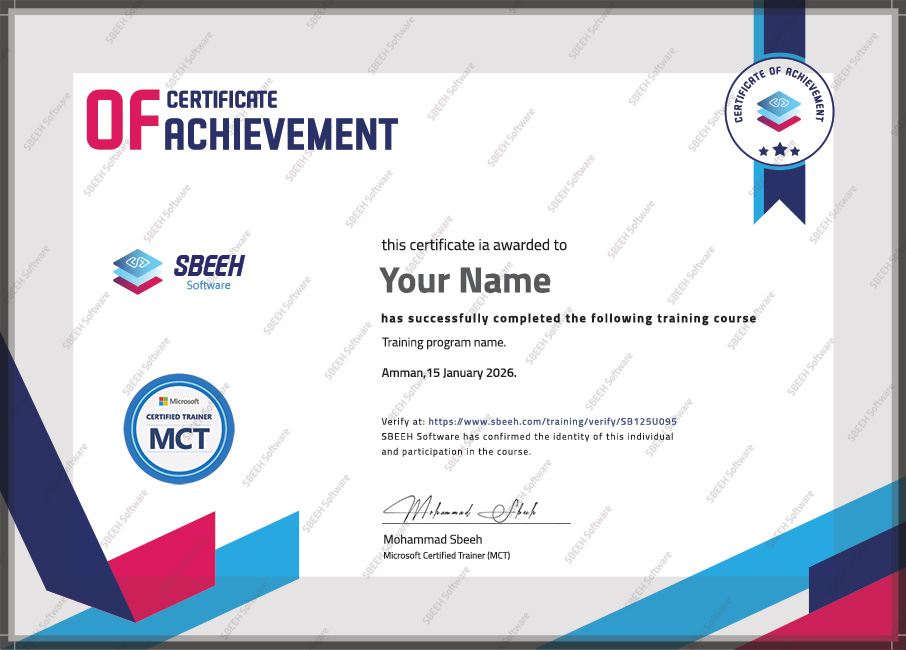
عند إتمام التدريب بنجاح، سيحصل المشاركون على شهادة إتمام رسمية.
نظرة على دورتنا التدريبية — جلسات تدريب عملية مع محترفين من الأردن ودول الخليج.
تواصل معنا وسنساعدك في تخطيط التدريب المناسب لفريقك.