
Power Automate Desktop Fundamentals & RPA Automation is a beginner and intermediate Power Platform course delivered in person and online by SBEEH Software Academy in Amman, Jordan.
3 Days (21 Hours)
Last updated September 29, 2026
What is Robotic Process Automation?
RPA use cases
Identifying repetitive business processes
Power Automate Desktop overview
Desktop flows vs. cloud flows
Understanding actions and flows
Creating and running your first desktop flow
Understanding actions
Adding and configuring actions
Action properties
Input and output variables
Searching for actions
Running and debugging flows
Reading flow execution results
Creating variables
Text and numeric variables
Boolean values
Lists
Data tables
Working with variable values
Converting data types
String manipulation
If / Else conditions
Multiple conditions
Switch
For loops
For Each loops
Loop conditions
Breaking and continuing loops
Create folders
Copy files
Move files
Rename files
Delete files
Search for files
Get file properties
Work with paths
Process multiple files
Open Excel
Create workbooks
Read Excel data
Write data to Excel
Work with worksheets
Read ranges
Write ranges
Work with tables
Process rows
Save and close Excel
Automate repetitive Excel operations
Working with Data Tables
Filtering data
Searching data
Sorting data
Extracting information
Transforming data
Creating summary information
Launching a browser
Navigating websites
Working with web elements
Clicking buttons
Entering information into forms
Extracting information from web pages
Working with browser tabs
Handling dynamic web pages
Launching Windows applications
Finding UI elements
Clicking controls
Entering text
Reading information
Working with windows
Keyboard and mouse automation
Handling application dialogs
Extracting text
Working with clipboard data
Text parsing
Substrings
Splitting text
Replacing text
Regular expressions basics
Processing structured and semi-structured data
Understanding errors
Handling failed actions
On-block-error configuration
Retry strategies
Validating data
Creating robust flows
Logging and troubleshooting
Creating subflows
Organizing large flows
Reusing automation logic
Passing information between processes
Designing maintainable desktop flows
Participants should have:
Basic Windows skills
Basic knowledge of Microsoft Excel
Basic understanding of business processes
No previous Power Automate experience is required
Each participant should have:
Windows 10 or Windows 11
Microsoft Power Automate for Desktop installed
Microsoft Excel
A modern web browser such as Microsoft Edge or Google Chrome
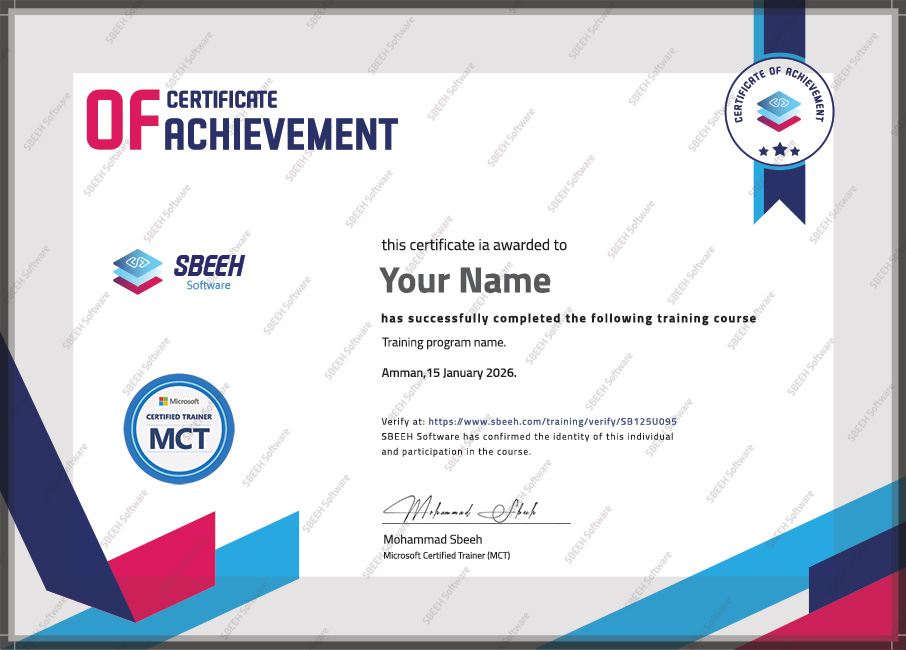
Upon successful completion of the training, participants will receive an official Certificate of Completion.
A look at our training sessions — hands-on training sessions with professionals across Jordan and the GCC.
Reach out and we'll help you plan the right training for your team.